Capturing a picture of a picture can feel like trying to catch smoke with your bare hands. You want that perfect shot but glare seems to have a vendetta against your photography skills. Fear not, because with a few clever tricks, your iPhone can transform into a glare-fighting ninja, ready to snap stunning images without the unwanted shine.
Understanding Glare in Photography
Photographers encounter glare while capturing images. Identifying its causes and impacts helps in minimizing its effects.
What Causes Glare?
Glare arises from bright light sources, reflecting off surfaces, such as glass or glossy paper. Flare results when direct sunlight or harsh artificial light hits the camera lens. Reflective materials, like frames or windows, contribute to unwanted reflections. Bright colors in the original image may amplify glare as well. Plus, shooting at certain angles can worsen the situation, making it challenging to achieve the desired photo clarity.
The Impact of Glare on Image Quality
Glare diminishes image quality by creating washed-out areas and distracting reflections. Details in the picture become obscured, losing texture and color fidelity. Shadows and highlights may lack contrast, affecting overall composition. Viewers might struggle to appreciate the image because of these unwanted artifacts. Achieving sharp, clear photos becomes nearly impossible, muddying the emotional impact intended by the photographer.
Preparing Your Environment
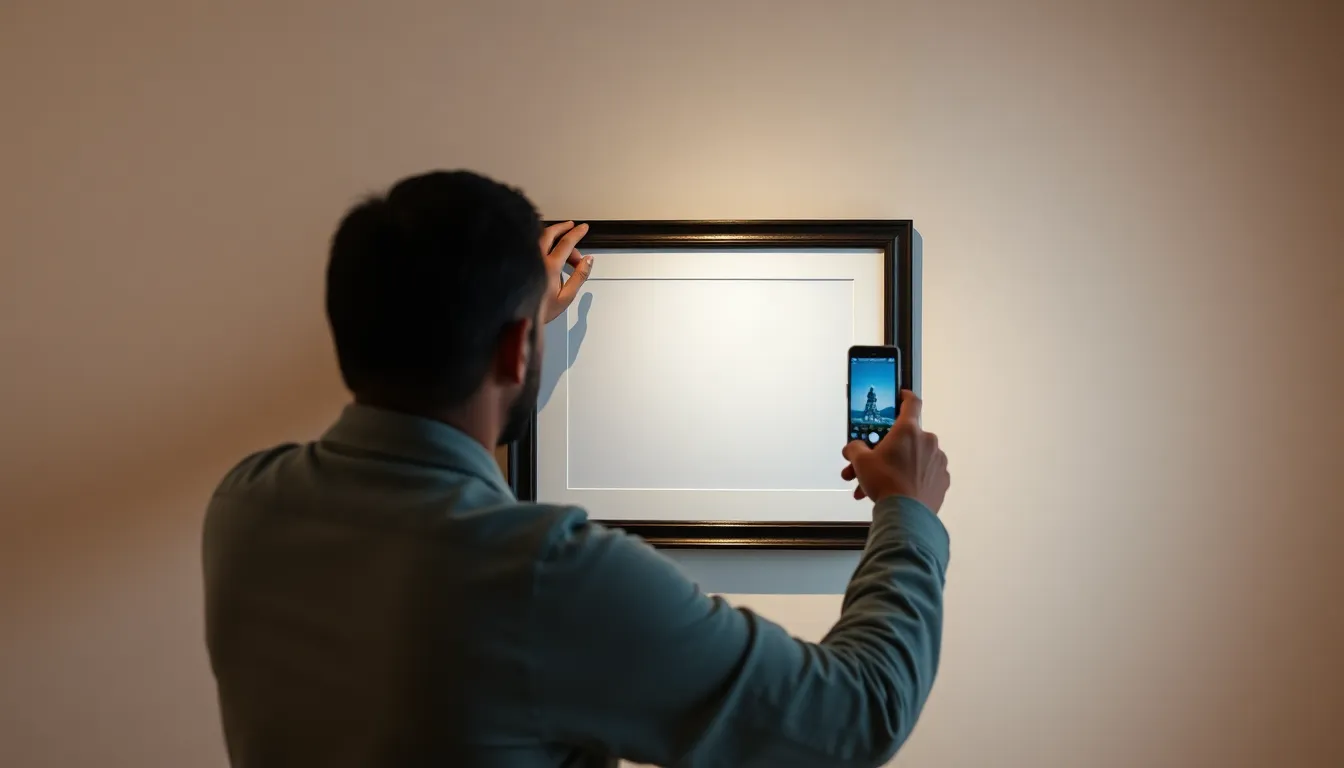
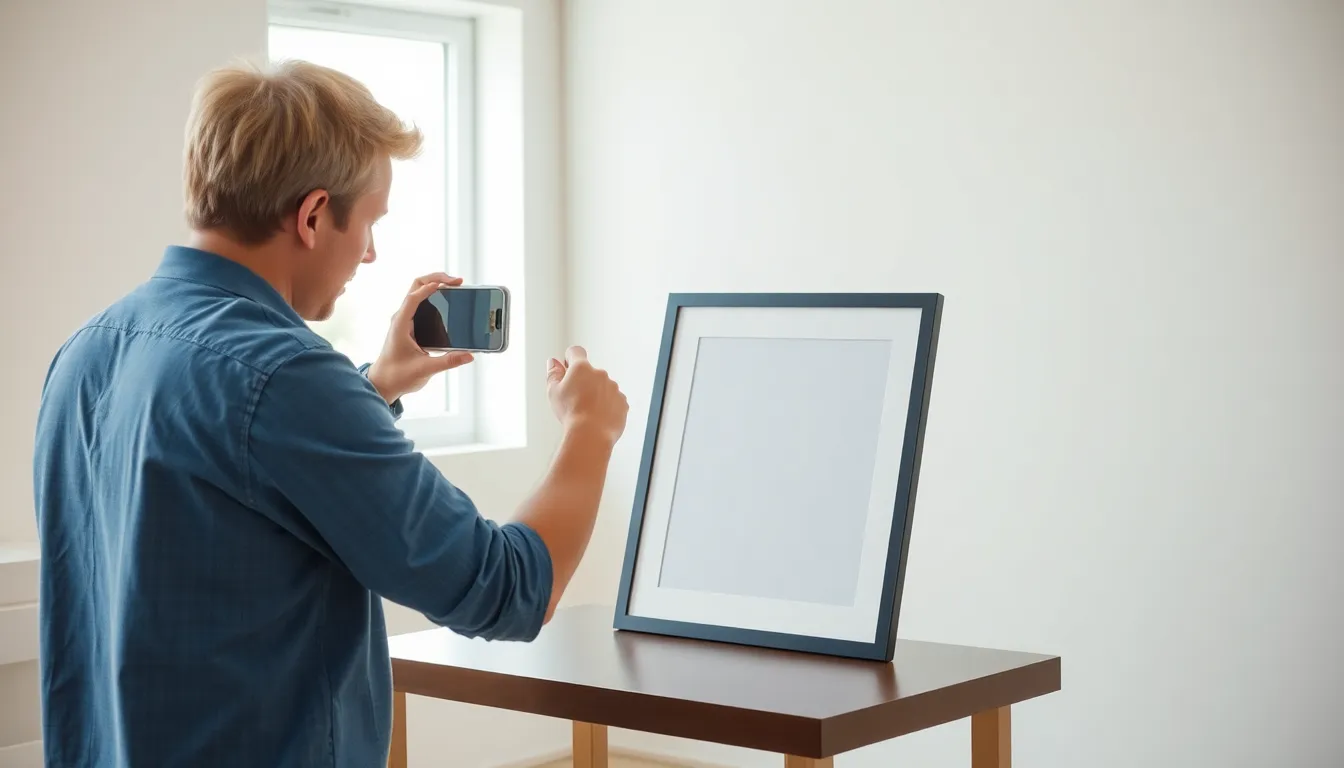
Preparing the environment plays a crucial role in capturing a glare-free image of a picture. Attention to location and lighting significantly enhances the final result.
Choosing the Right Location
Selecting an ideal location helps minimize glare. Look for spaces away from direct sunlight and harsh artificial lights. Indoor settings often provide better control over illumination. Walls with neutral colors or fabrics can reduce reflections. When outdoors, try to find shaded areas or locations with diffused sunlight. Avoid placing the picture near windows or reflective surfaces, as these can contribute to unwanted glare.
Optimal Lighting Conditions
Creating optimal lighting conditions is vital for glare-free photography. Soft, diffused light sources produce even illumination without harsh shadows. Natural light during overcast days offers great results. If indoors, using lamps with soft bulbs can reduce glare as well. Positioning the light source at angles away from the picture also aids in avoiding reflections. As a bonus, turning off overhead lights may eliminate distracting glare and enhance image quality.
Adjusting Your iPhone Settings
Adjusting settings on your iPhone enhances the chances of capturing glare-free photos. Configuration options play a significant role in controlling light and reflections when photographing pictures.
Using Camera Features Effectively
Utilizing features like HDR can improve image quality by balancing light and shadow. Activating the grid helps maintain alignment and optimal angles, minimizing glare. Tapping on the screen to focus directs the camera’s attention, which reduces unwanted reflections. Adjusting exposure by swiping up or down can compensate for bright light sources. Switching between photo and square modes may provide better framing options. Using a clean lens prevents haze from affecting the shot.
Leveraging Editing Tools
Editing tools on the iPhone can correct images post-capture. Adjusting brightness and contrast helps address any lingering glare effects. Utilizing the “Sharpen” feature emphasizes details lost in glossy reflections. Cropping allows the removal of unwanted edges that might contain glare. Applying filters can enhance overall image quality and alter the mood of the picture. Experimenting with enhancements ensures adjustments fit each specific photo’s needs.
Techniques for Reducing Glare
Reducing glare is essential for capturing clear images of pictures. Several techniques can enhance the quality of photos taken with an iPhone.
Positioning the Original Picture
Select a flat, non-reflective surface for the original picture. Adjust the angle of the picture to minimize direct reflections from lights. Elevating the picture slightly can also help prevent glare. Orient it away from bright light sources that can create undesired spots on the photo. Use matte-finished frames or materials to further decrease reflections. Ensure the environment is well-lit, but diffuse any harsh light hitting the image.
Utilizing Reflectors or Polarizers
Employing reflectors can enhance lighting without introducing glare. These tools bounce light onto the original picture, creating a soft, even illumination. Use a polarizing filter for an iPhone to cut through reflective glare. Position it correctly, aligning it with the light source to reduce unwanted reflections. This can drastically improve the quality of the captured image. Experiment with different angles to find the optimal setup.
Capturing a picture of a picture without glare is entirely achievable with the right approach. By understanding the causes of glare and implementing effective techniques, anyone can enhance their photography skills. Choosing the right environment and lighting conditions plays a crucial role in achieving clear images.
Utilizing the iPhone’s camera features and making simple adjustments can significantly improve image quality. With practice and experimentation, it becomes easier to find the perfect angles and settings. By following these tips, photographers can successfully preserve the beauty of their original images while avoiding distracting reflections.